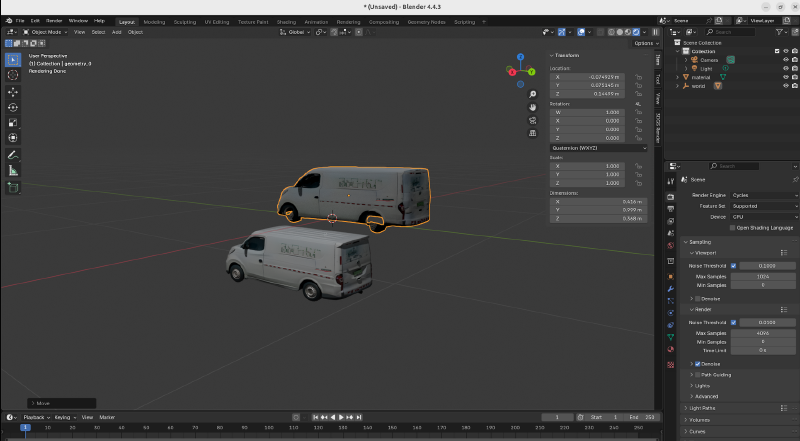
I’ve organized and documented the Blender baking workflow.
Basic Knowledge:
Z + Up Arrow: Render
G: Move/Grab (drag to move). The camera can also be moved by dragging with this.
z+上 render
g拖动 相机也可以通过这个拖动
Process:
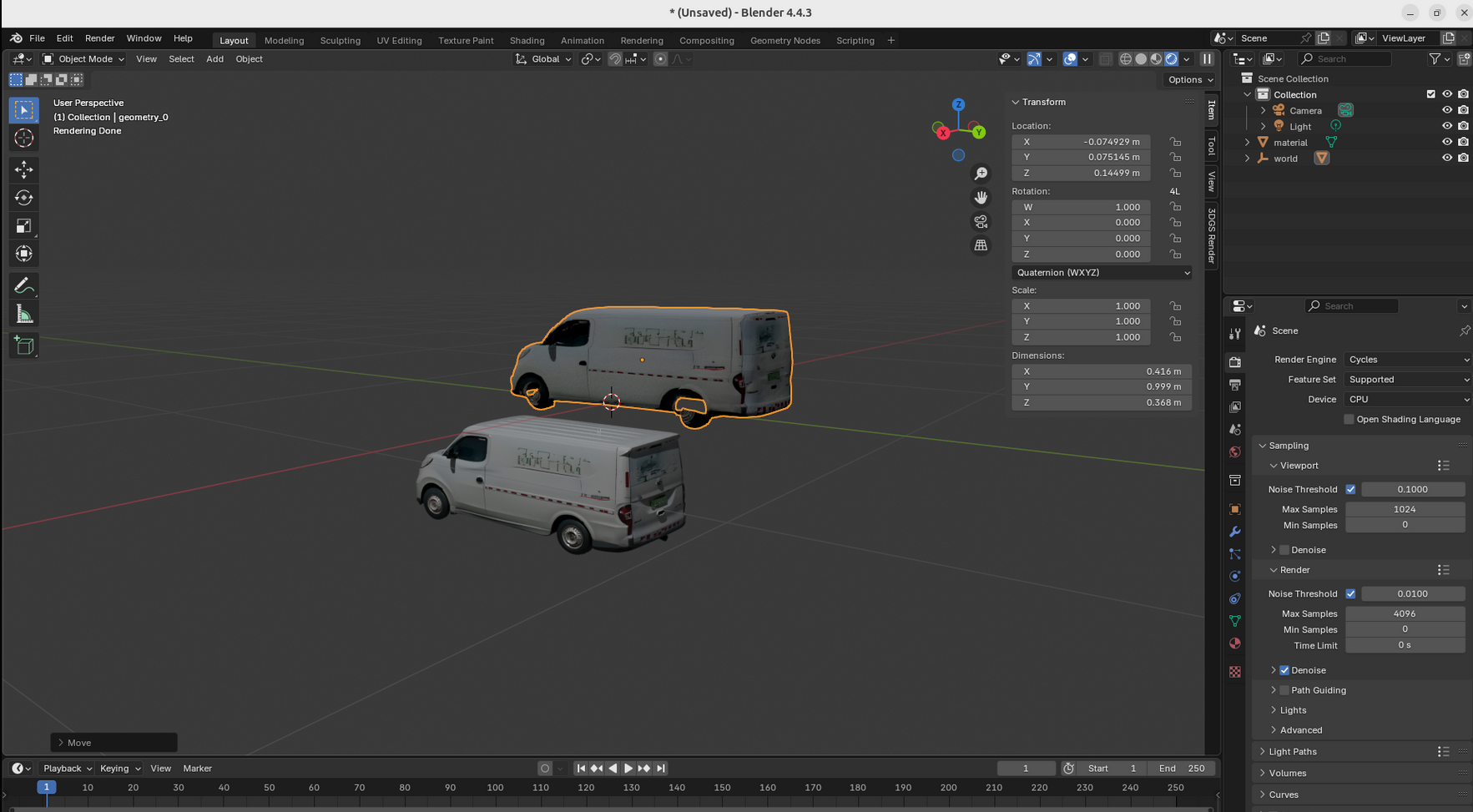
(1)Align(对齐)
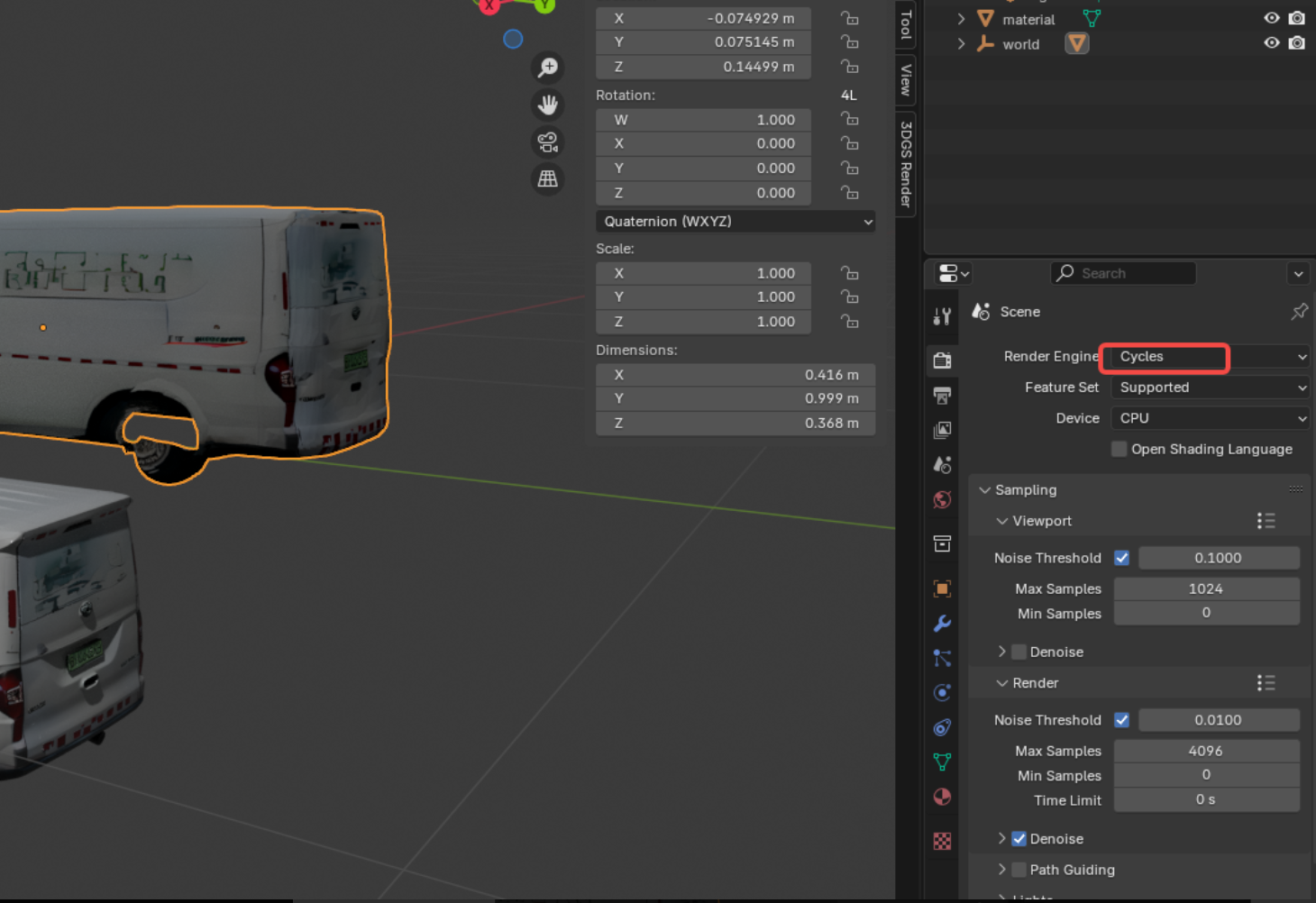
(2)choose"cycle"
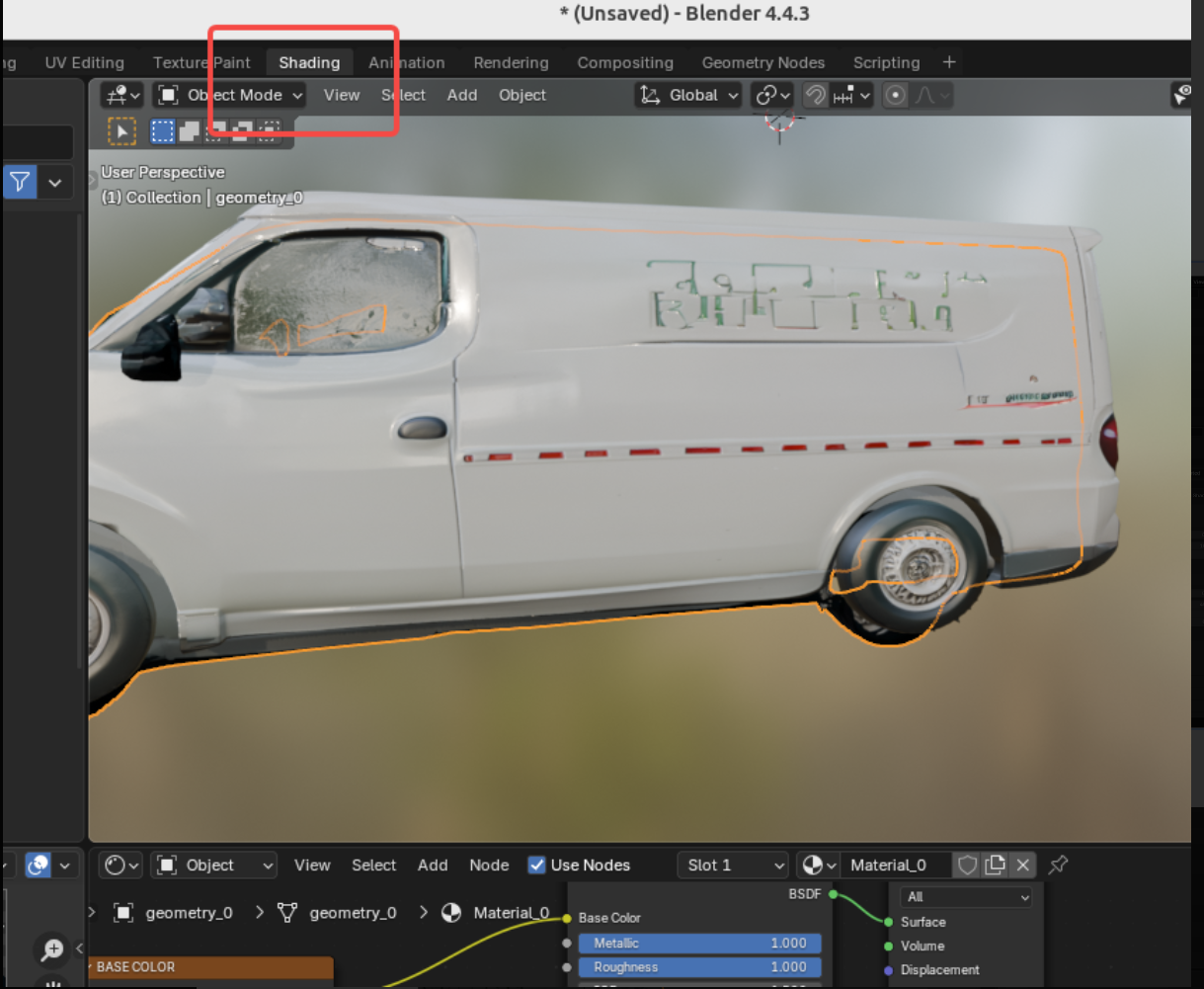
(3)choose“shading”
(4)In the bottom bar, press F3 (Search), then select “Image Texture.”
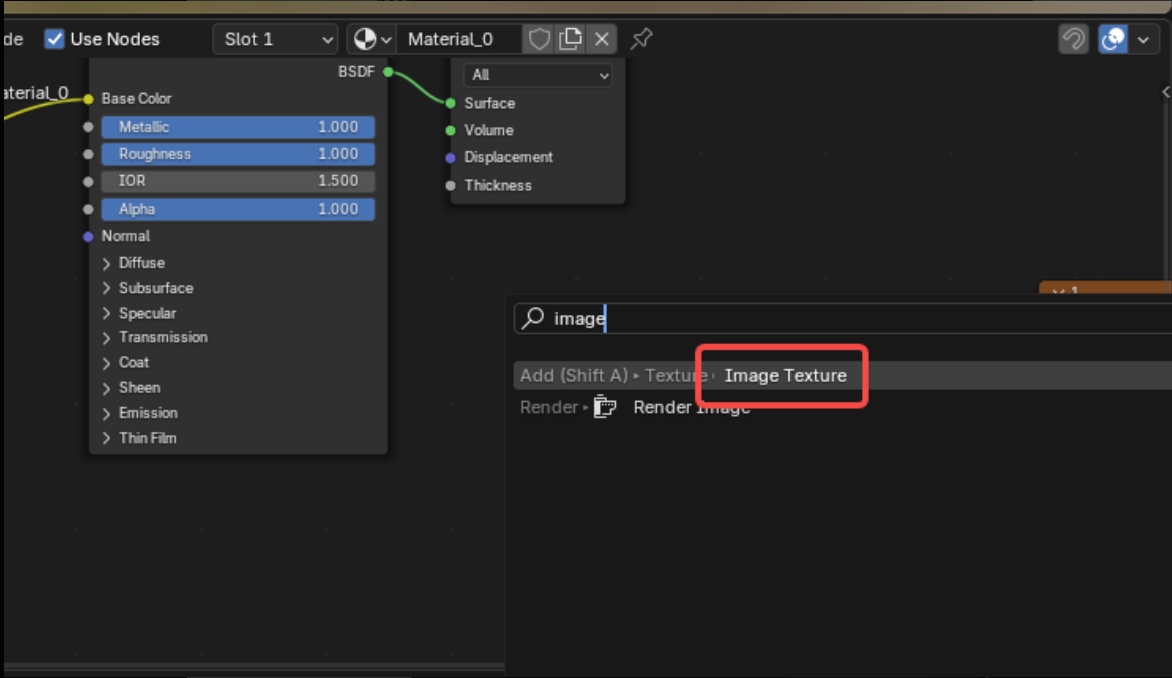
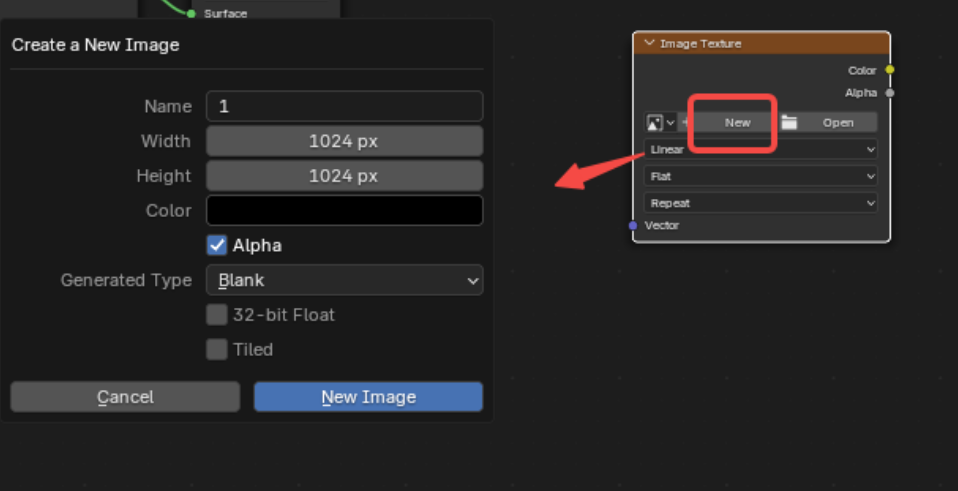
(5) Create a new material: click “New.”
(6) Adjust the Bake settings as needed. Set the Bake Type to “diffuse.”
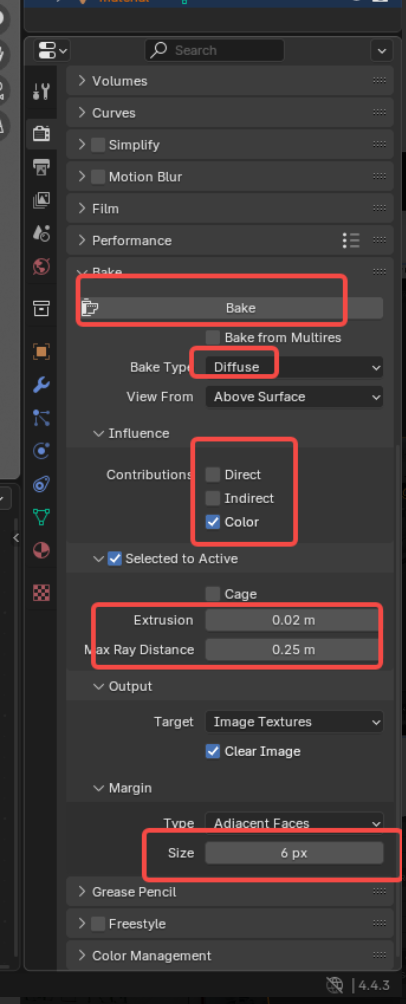
(7) Click “Output.” Select the source object to bake from, then hold Shift and select the target object to bake to.

(8) bake